The multiplayer upgrade Vintage Story was missing
Kith adds the social layer: hosting, a hub to hang out in, cosmetics, emotes and a friends list that follows you everywhere.
Open your world. No server, no router settings.
Pick Open world to friends from the pause menu or the Kith menu and send an invite. Your world keeps running on your own computer, and friends join it like a normal server.
- Tries a direct peer-to-peer connection first
- Quietly falls back to the Kith relay if your network won't allow one
- Invites pop up in game: your friend presses J and walks in
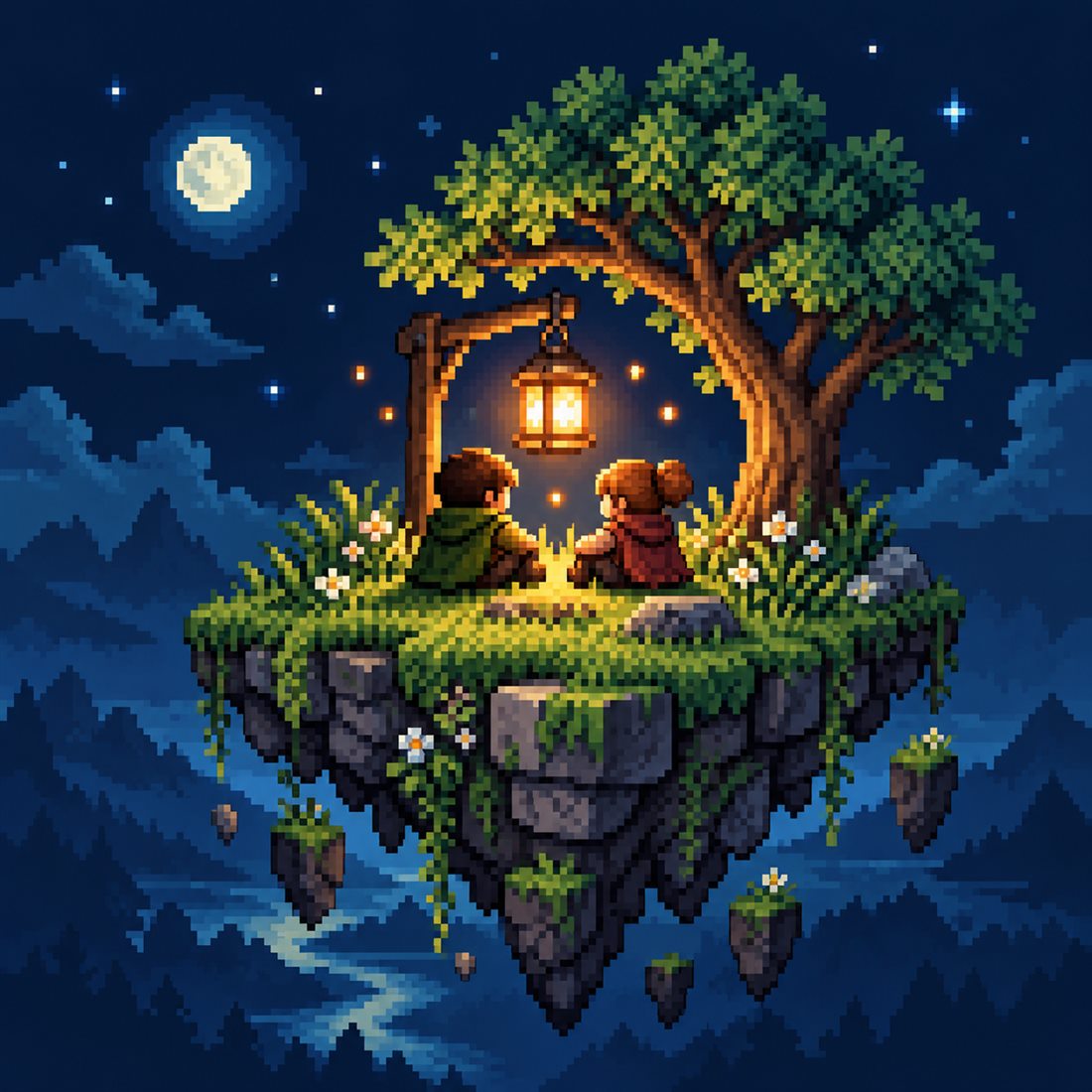
A floating lobby, with a plot that's yours.
Create a world with the Kith Hub playstyle to get your floating lobby, then press K for the full menu. Your island is its own space, separate from the worlds you host for friends.
- Build on your personal island in creative or survival
- Set the hub's time of day, season and atmosphere
- Optional island backup keeps your build with your Kith account
Dress up. Everyone with Kith sees it.
Hats, masks, capes and backpacks, saved as whole outfits you can switch between. Other Kith players see your look on servers without Kith, and players without Kith just see your normal gear.
- Saved outfits, switch in one click
- Vanity per slot: show the cosmetic over the clothing you're wearing
- Server admins can turn cosmetics off or limit them
Say it without typing.
Hold R for the emote wheel, flick toward an emote, let go. Wave across the hub, cheer when the boss falls, bow to your host.
- Quick wheel on a single key, rebindable in Controls
- Seen by every Kith player around you
Your friends list, in every world.
See who's online and what they're playing, message them directly or in groups, and share screenshots straight into a chat, wherever you are in the game.
- Presence: hub, singleplayer or multiplayer, and the server if they share it
- Direct messages and group chats of up to 10
- Block anyone, control who can invite you
Playing together in a minute
Install Kith
Grab it from the Mod DB. It only needs to be on your computer.
Make a hub
Create a world with the Kith Hub playstyle and press K.
Add a friend
Then choose Open world to friends and send an invite.
They press J
Your friend accepts the invite and walks straight in.
Social, not nosy
Kith's online features run on a small service so friends can find each other. Here's the deal.
Never your password
Sign-in uses Vintage Story's own multiplayer check. Kith never asks for your game password.
No ads, no selling data
No advertising, no third-party analytics, and your data is never sold. Shared screenshots are deleted after 30 days.
You're in control
Turn online features off any time, or delete your Kith account from Settings. Read the privacy policy →
Questions people ask
Do my friends need Kith?
Yes, to join a world you host and to see your cosmetics.
Does a multiplayer server need Kith?
No. Kith runs on players' own clients, and its online features use the Kith service. A server only needs Kith if its admins want to set rules for cosmetics and emotes.
Do I need to forward ports or rent a server?
No. Kith connects you directly when it can and uses its relay when it can't.
Can I play without the online features?
Yes. Turn off Online features in Kith Settings.
How do updates work?
By default, Kith tells you in chat when you join your hub that a new version is on the Mod DB. Turn on Auto-update Kith in Settings and it downloads new compatible versions for you instead. They apply the next time you start the game.
Can I delete my Kith account?
Yes. Use Delete Kith account in Settings to remove your account and what the Kith server stores for it.
Bring your friends home.
Free, client-side, and made for Vintage Story 1.22.